Convert by format
Convert by source
Specialized converters
Practical ideas for turning static slides into editable presentations.
Learn how to rebuild an editable PowerPoint from slide images, screenshots, and exported PNGs when the original PPTX file is missing.
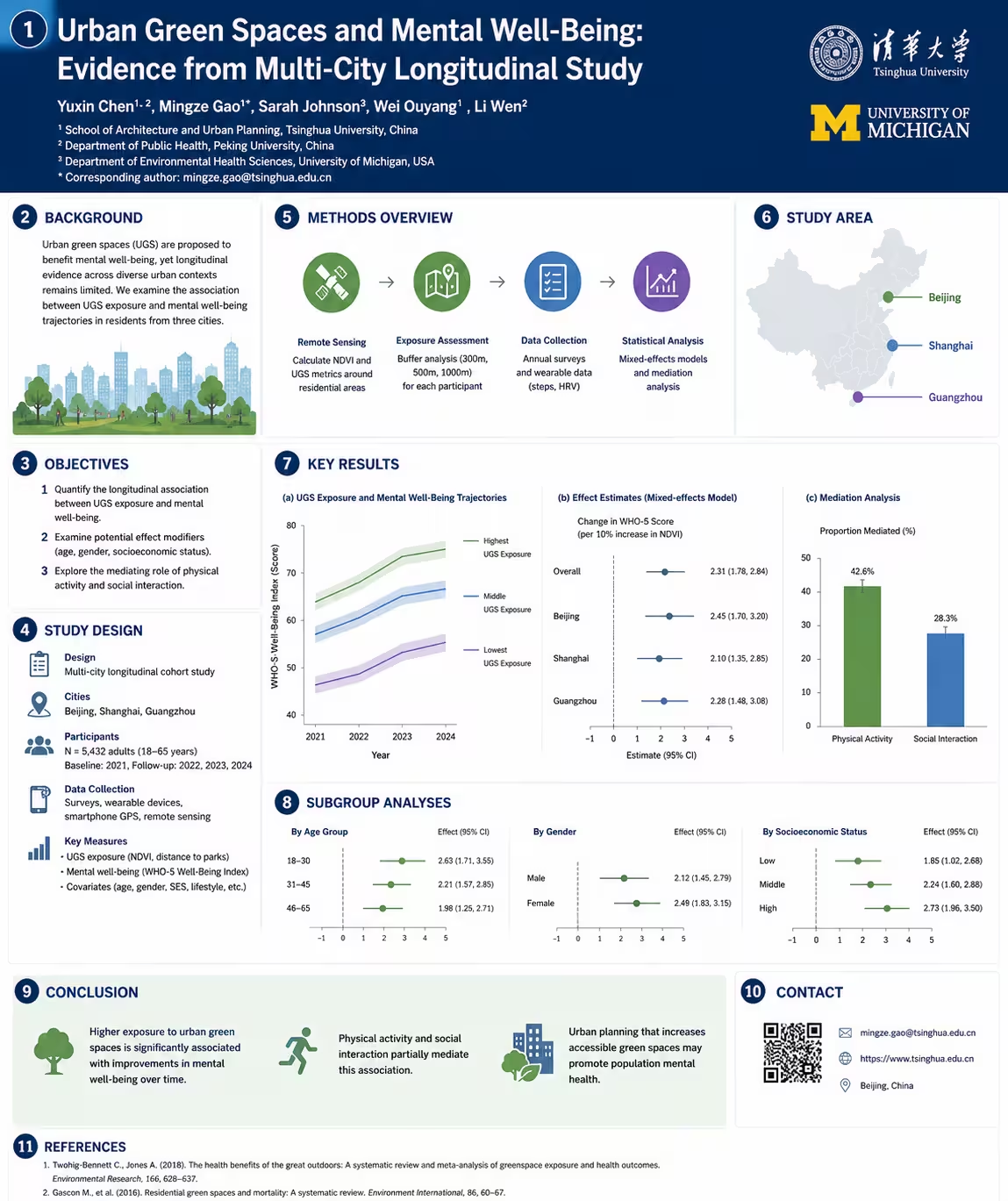
Learn how to turn academic, event, or infographic posters into editable PowerPoint layouts you can reuse and adapt.
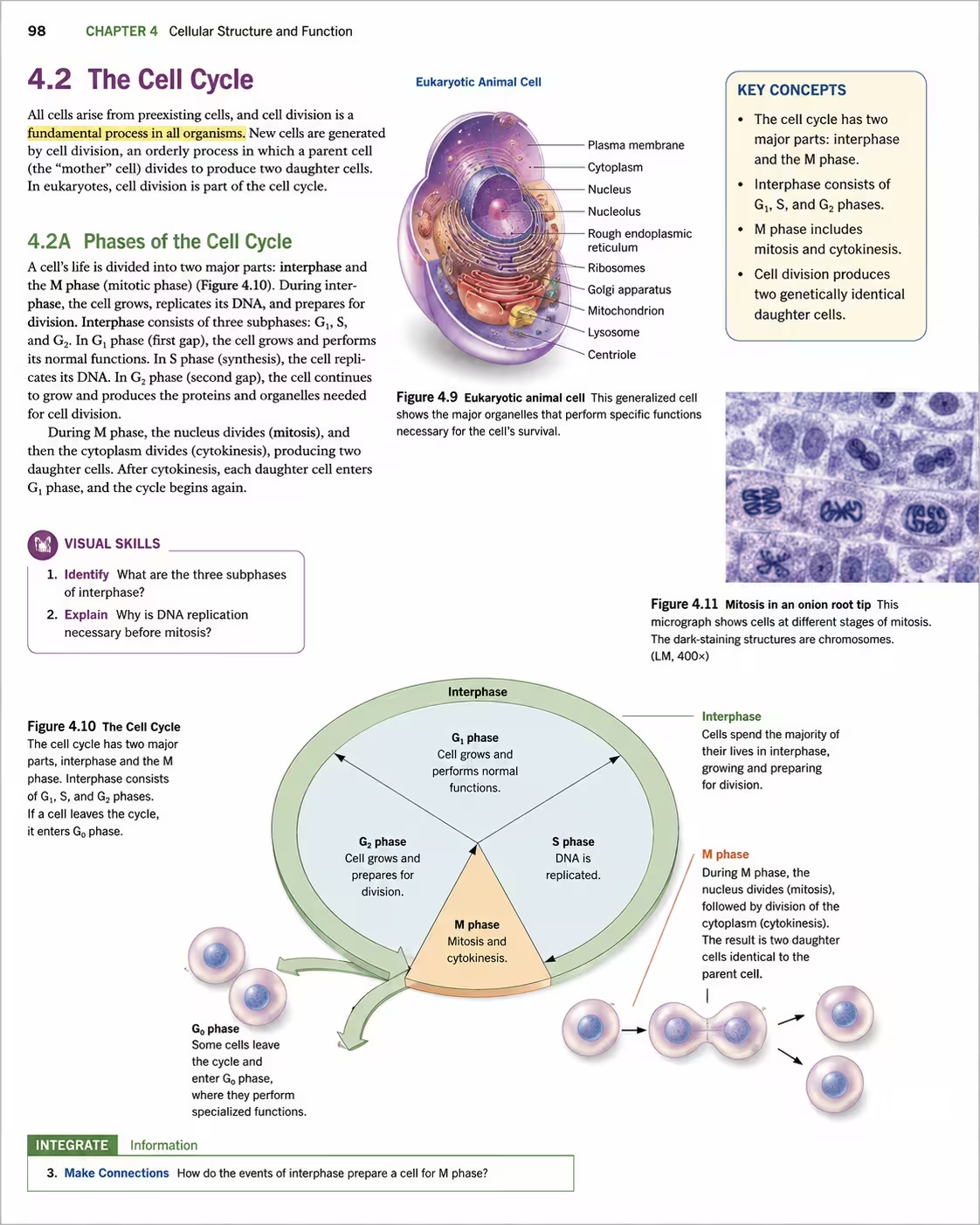
Turn a photographed or scanned textbook page into an editable PowerPoint draft, then simplify its text, diagrams, and tables for presentation use.
Convert an ordered batch of JPG, PNG, JPEG, or WebP images into one PowerPoint deck, with one editable slide draft per image and the original order preserved.
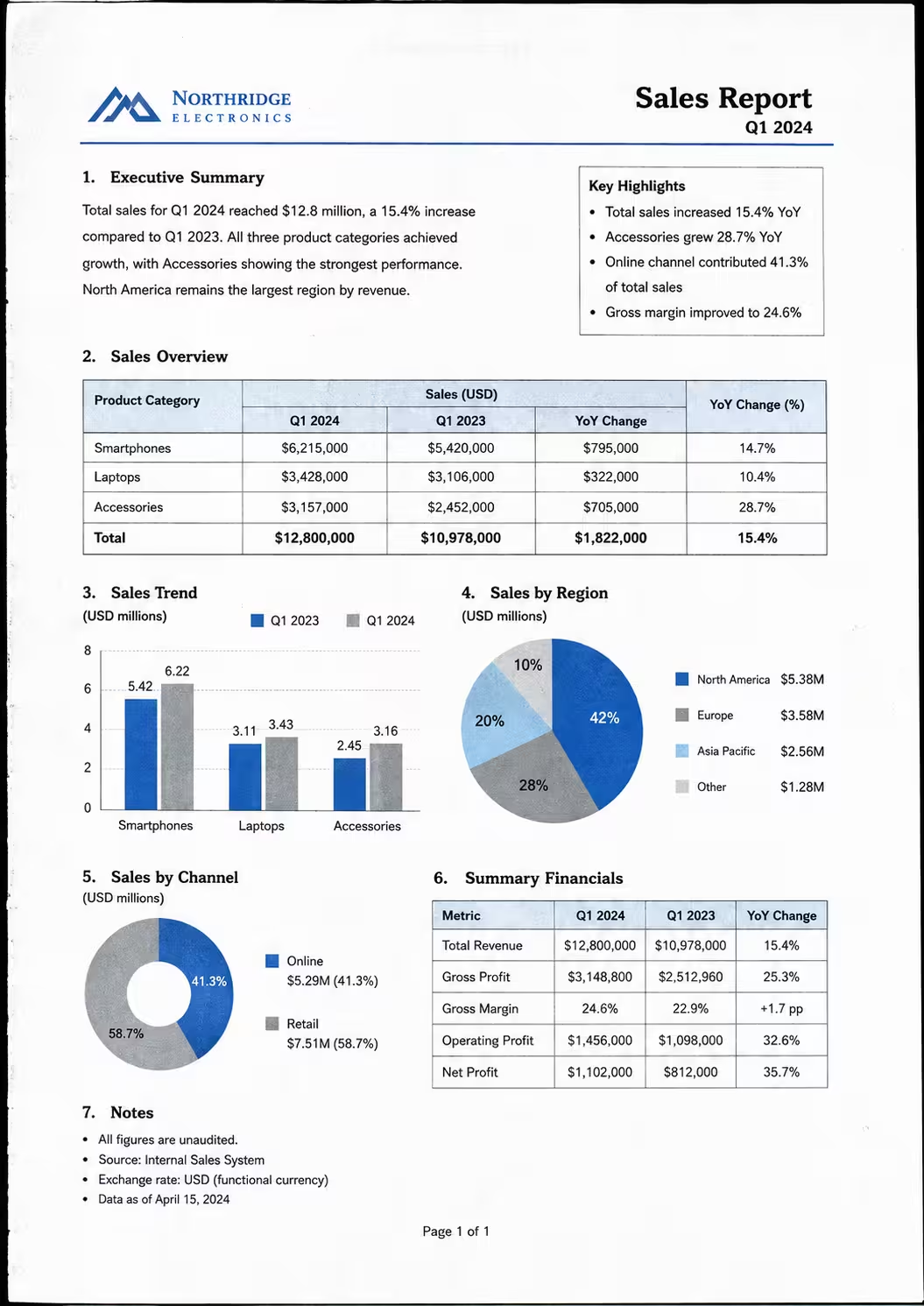
Convert scanned PDF pages into an editable PowerPoint draft with OCR and visual reconstruction, one source page per slide, then review the recovered content.
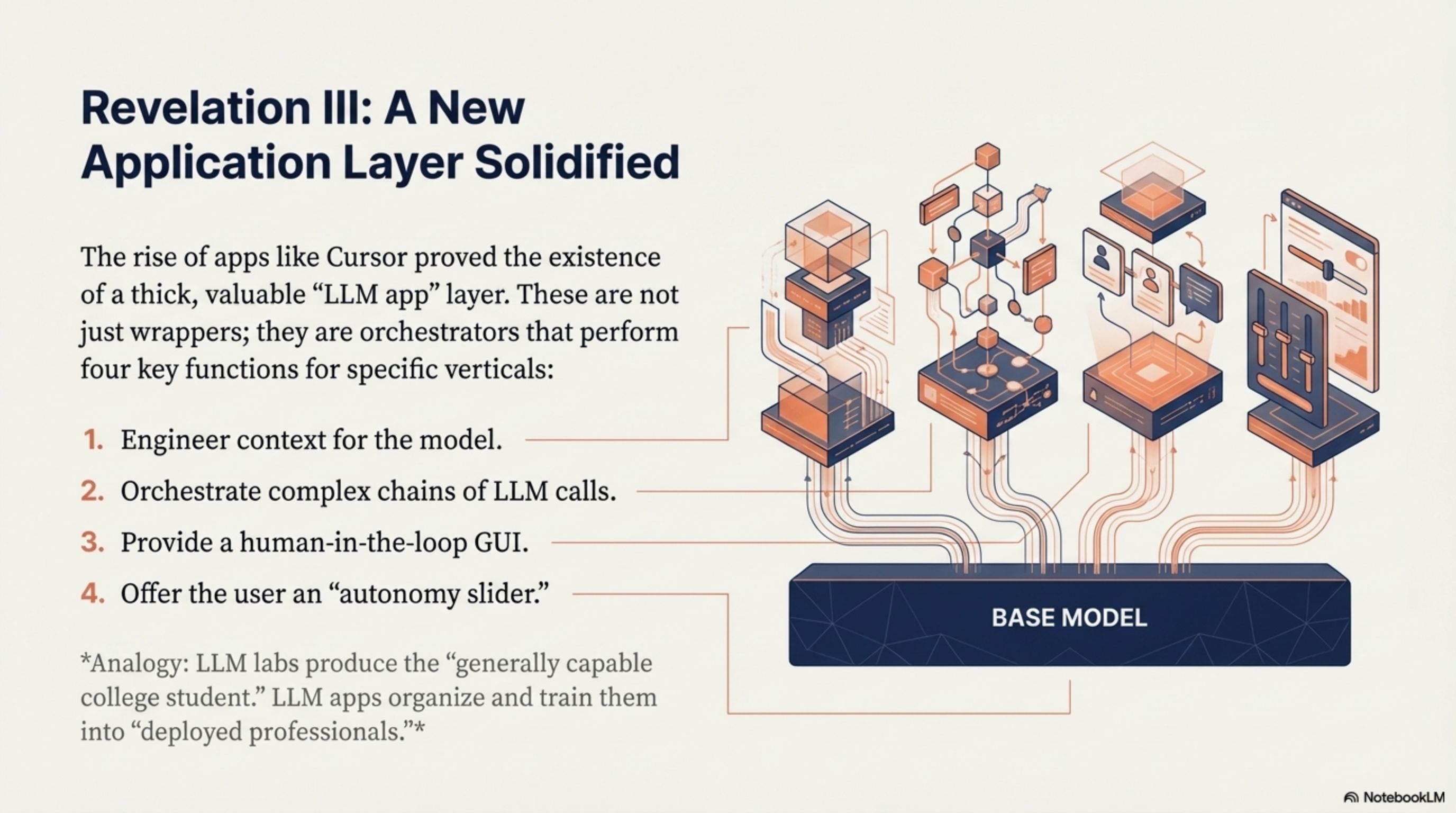
Learn how to convert a NotebookLM presentation PDF into an editable PowerPoint, then update its text, images, fonts, colors, and layout.
Convert a presentation screenshot into an editable PowerPoint draft. Rebuild visible text, graphics, and layout instead of inserting one flat image.
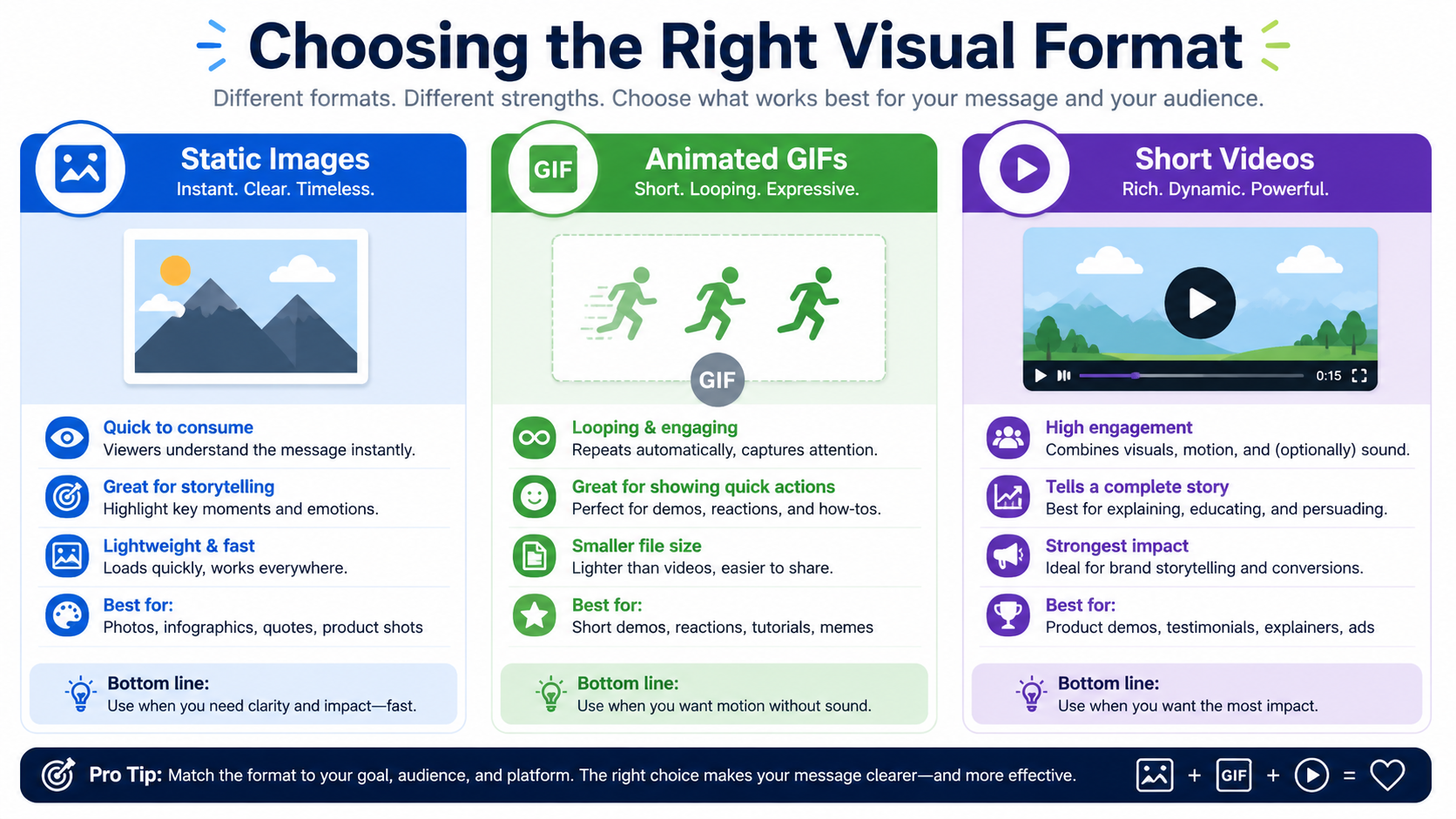
Learn how to convert AI-generated slide images from GPT Image, Gemini, and other image tools into an editable PowerPoint deck.
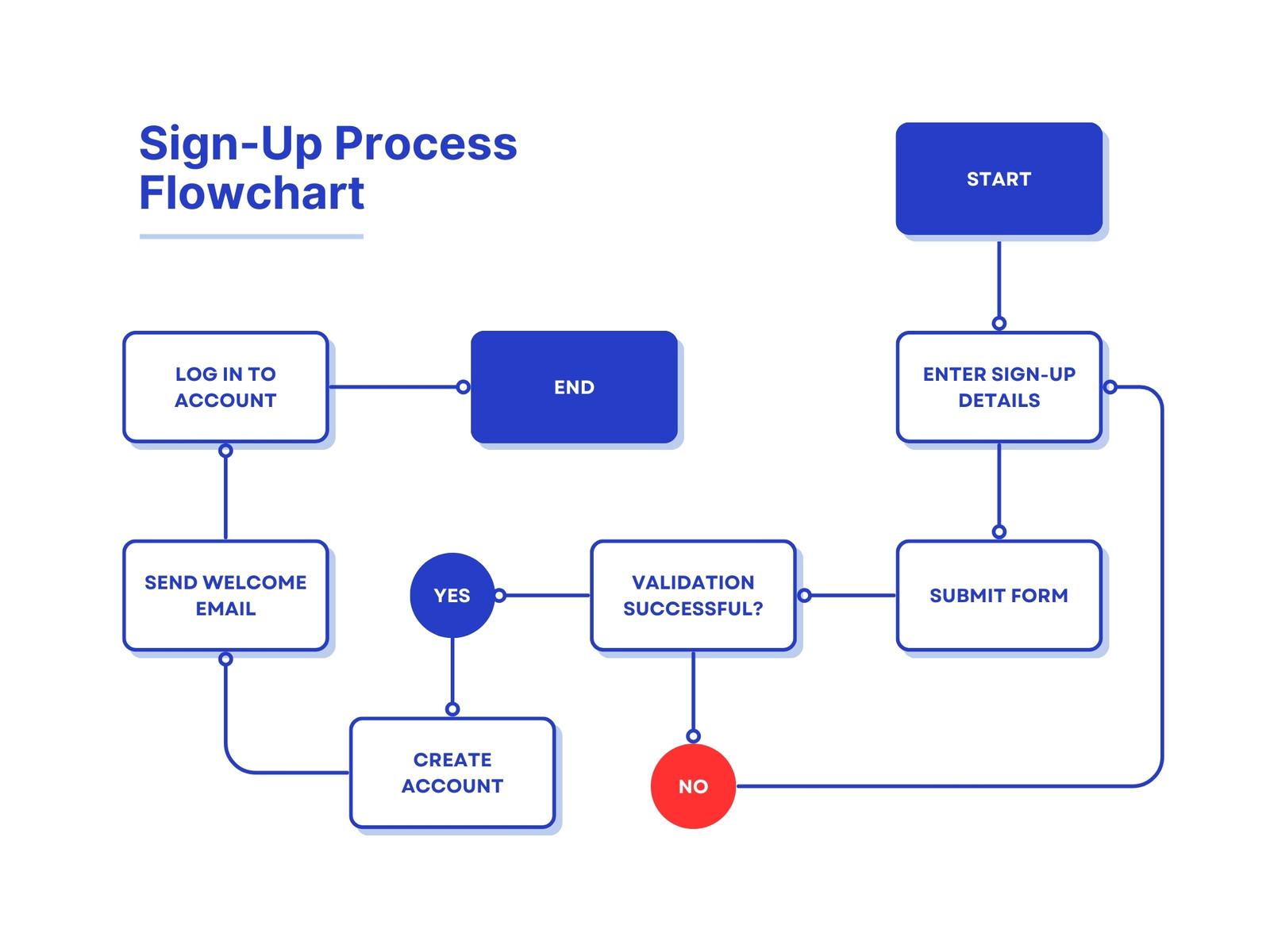
Learn how to rebuild a flowchart image as an editable PowerPoint slide with editable labels, separated shapes, and visible connections.
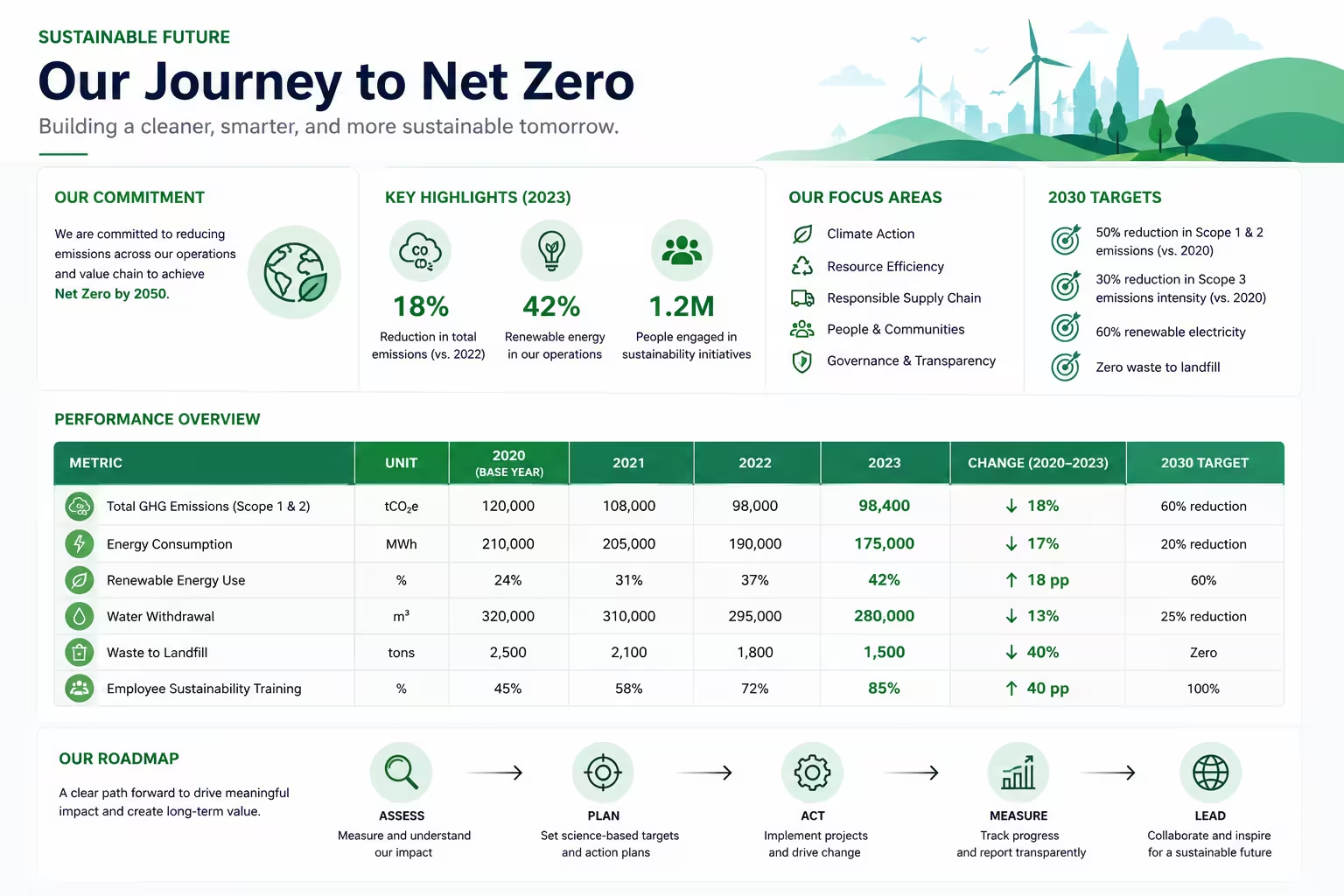
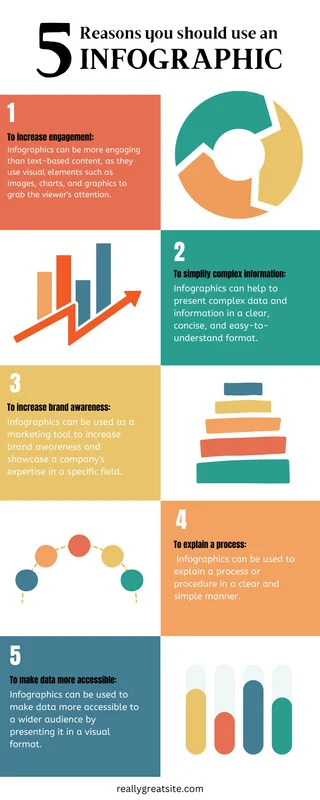
Learn how to rebuild a data infographic as an editable PowerPoint slide, verify its figures, and adapt the visual story for a presentation.