
SlideRebuild vs CopySlides
A converted deck should be easy to revise, with readable text, familiar styling, and elements you can move. See how SlideRebuild helps you inspect and refine the reconstruction before exporting your PowerPoint.
Recover content you can revise
Rebuild recognized wording as editable text, with visual regions separated where possible so you can update the content and composition.
Refine the details that matter
Match the source typography, adjust colors and line spacing, and reposition separated graphics in SlideRebuild’s browser editor.
Check before you export
Compare the rebuilt page with your source and correct details before downloading an editable PPTX on a paid plan.
See What You Can Edit with SlideRebuild
Compare original slides with editable drafts across different source types. Explore the results to see how SlideRebuild fits your workflow.
Static image to editable PPT
Recover editable text and visuals from screenshots, JPGs, PNGs, or slide exports.
Original
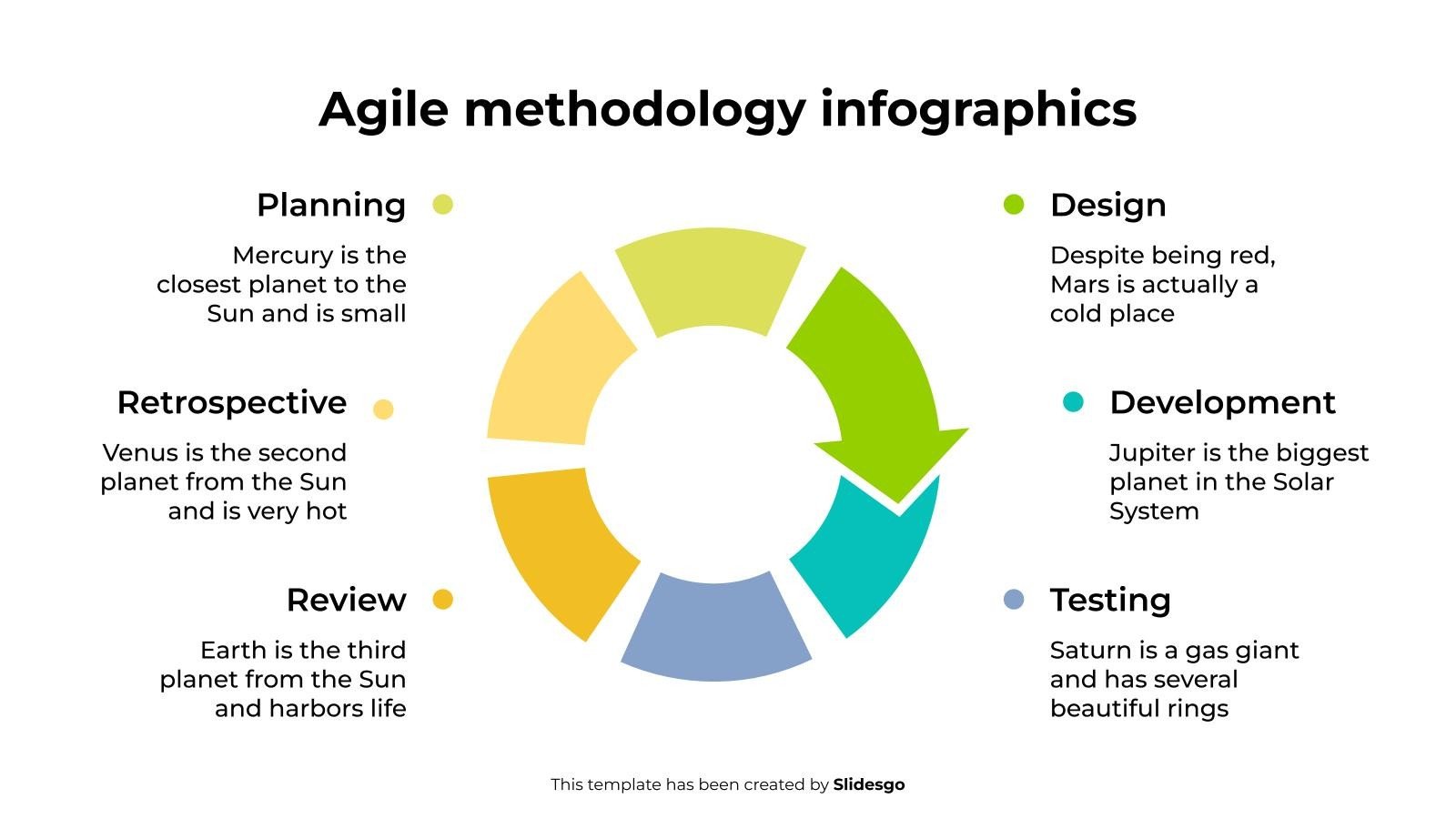
Editable PPT
Built for the Edits That Come Next
Look beyond whether the file opens. Check how much of the slide you can revise and how closely the result follows your source.
Bring the Typography Closer to Your Source
A correct sentence can still look wrong in the wrong font. SlideRebuild matches source lettering against available fonts and lets you refine its appearance after reconstruction.
- Find a close visual font match
- Adjust size, weight, and text color
- Check wrapping and line spacing in the editor
Move Visuals as Your Content Changes
A longer heading or updated label may need more room. Move and resize separated image regions to rebalance the layout while keeping useful artwork from the source.
- Work with separated icons and graphics
- Use alignment guides while repositioning
- Review image-based areas before deleting anything
KEY THREATS TO OUR OCEANS
11M
tons of plastic
enter oceans
each year
30%
increase in ocean
acidity since the
industrial era
34%
of global fish stocks
are overfished
50%
of coral reefs could
disappear by 2050
$428B
annual economic
cost of ocean
degradation
OCEANS IN NUMBERS
By the numbers
Earth's surface covered by oceans
Heat absorbed by oceans annually
Species yet to be discovered in oceans
People depend on oceans for their livelihoods
Source: UN, IPCC, NOAA, World Bank
PLASTIC IN OUR OCEANS
Projected growth if no action is taken (million tons)
Source: Pew Charitable Trusts, 2020
Correct the Reconstruction Before Downloading
Update names, numbers, or whole passages in the browser. Compare the rebuilt slide with the original and use undo and redo as you refine the result.
- Edit recognized text directly
- Restyle selected words or passages
- Inspect changes against the source slide
OCEAN HEALTH INITIATIVE
HEALTHY OCEANS, HEALTHY PLANET
Protecting our oceans sustains life on Earth.
WHY OCEANS MATTER
Our oceans power life,support livelihoods, and regulate the climate.
LIFE SUPPORT
Oceans produce over 50% of our oxygen.
OCEANS IN NUMBERS
of all life on Earth depends on healthy oceans.
Choose How You Want to Finish the Deck
Consider the edits still ahead of you, as well as the source you are starting from.
When SlideRebuild fits
You want to inspect the reconstruction, refine the formatting, and make corrections before exporting the deck.
- Compare the original page and the rebuilt result.
- Correct wording, font styling, colors, and line spacing online.
- Move and resize separated elements as you revise the layout.
When CopySlides fits
Your workflow benefits from converting inside NotebookLM, extracting slides from a video, or using a desktop app.
- Use its Chrome extension while working in NotebookLM.
- Convert recorded presentations through its video workflow.
- Consider its advertised offline desktop and lifetime options.
Compare the Editable Result and Workflow
Both tools aim to recover editable slides. The useful comparison is what you can change and how you make the result presentation-ready.
| Compare | SlideRebuild | CopySlides |
|---|---|---|
| Text recovery | Recognized text can be rewritten and restyled in the browser, then exported to PPTX. | Advertises editable PowerPoint text boxes for revising copy and formatting. |
| Typography | Font matching followed by editable font, size, weight, color, and line-spacing controls. | Describes matching from 1,000+ fonts and sampling colors from the source. |
| Visual separation | Separates visual regions where possible so they can be moved or resized; complex artwork may remain images. | Advertises native shapes and separate background, image, and foreground layers. |
| Review and correction | Compare with the original, edit online, and undo or redo changes before export. | Its published workflow emphasizes downloading PPTX and editing in a presentation app. |
| Layout adjustments | Reposition separated elements with alignment guides and refine text wrapping in the editor. | Describes source-position recovery and grouping related elements in the output. |
| Source workflow | Upload PDF or slide images directly, including NotebookLM exports and screenshots. | PDF and image uploads, a NotebookLM extension, and video conversion workflows. |
| PowerPoint handoff | Export editable PPTX on a paid plan and review it in your usual presentation app. | Exports PPTX for PowerPoint and other compatible presentation apps. |
Frequently asked questions
Answers about choosing a CopySlides alternative for your presentation workflow.
Bring Your Next Deck into the Editor
Upload a source file, review the rebuilt elements, and make your changes before exporting to PowerPoint.